Drawings
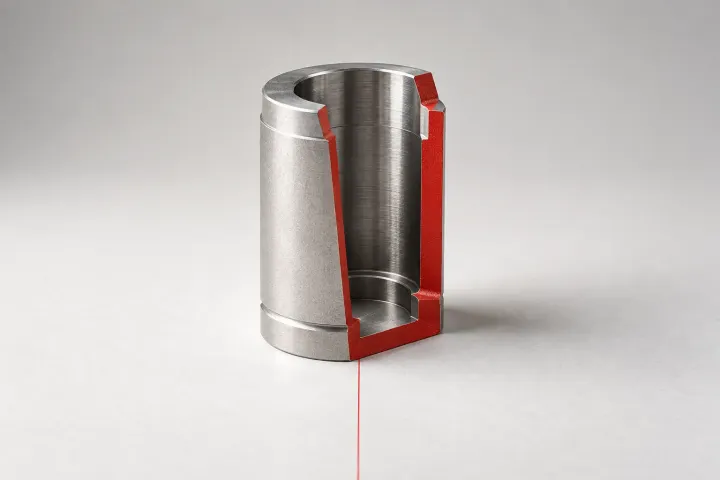
Drawing guides for SOLIDWORKS section views: placing the cutting line, setting direction, label and hatch, leaving fasteners or chosen components uncut, and fixing a section that shows the wrong geometry after a model change.
-
Drawings
How to make a section view in SOLIDWORKS
Drawing and model Section View routes, with cutting-line choices, hatching, assembly exclusions, saved annotation views and a check that the cut follows the feature.